How to Create a Punch Transition (Premiere Pro Tutorial)
 Jordy Vandeput
25K views
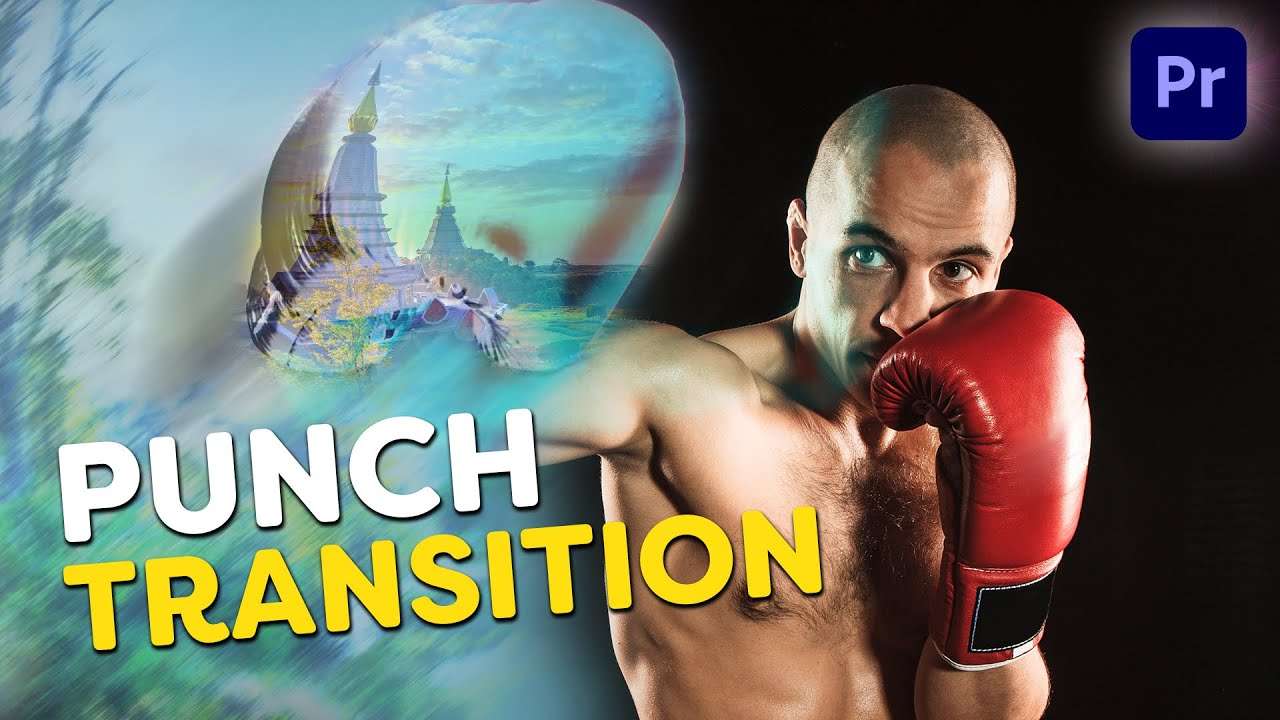
Learn how to create a super awesome and simple punch transition in this beginner tutorial in Adobe Premiere Pro.
Creating a punch transition in adobe premiere pro
It's super fun to use creative transitions in your videos. Especially when they're completely custom made and actually super easy to create.
On the internet you can find lots of amazing transition but most of them are always the same. Swipe transitions, luma transitions, ... So we got creative and made a unique punching transition. All you need is two shots, one where you punch towards the camera and another one to transition to.
Creating the transition
Open up Premiere Pro and drop the shots in your timeline. Duplicate the punching shot and cut a piece of it. Make a mask around your fist, feather it a lot and apply a color grade to it. This can be any look you want. Set the blend mode of the mask to linear dodge and offset the clip a couple of frames. You can then track the mask to follow the movement of your hand. Looks like a cool power effect already!
Now you can animate the mask following the fist until it covers the entire screen, add the same mask animation to the following clip and use a bit of lens distortion on it to create an extra touch. You can always add a bit of a bounce too by making a small animation with the scaling option. And last but not least you can finish it off by animating the lumetri look back to a regular colorgrade.
5 Day Deal - The best deal of your life
From June 3th until June 8th there will be an exclusive deal that you can't miss out on! A ton of creators like Parker Walback (Fulltime Filmmaker), Shane Hurlbut, Film Riot (Triune Films), Andyax and so many more are collaborating together with us from Cinecom to create the 5 Day Deal videobundle. Make sure to visit the website to see what's inside and to enter the give-away!
Jordy Vandeput
Founder of Cinecom · 2.75M+ subscribers on YouTube
Jordy Vandeput is a Belgian filmmaker who has taught practical filmmaking to millions through Cinecom. He breaks professional techniques down into clear, repeatable steps you can use on your very next project.








0 comments