This Teleportation Effect Blew My Mind (Premiere Pro Tutorial)
 Jordy Vandeput
565K views
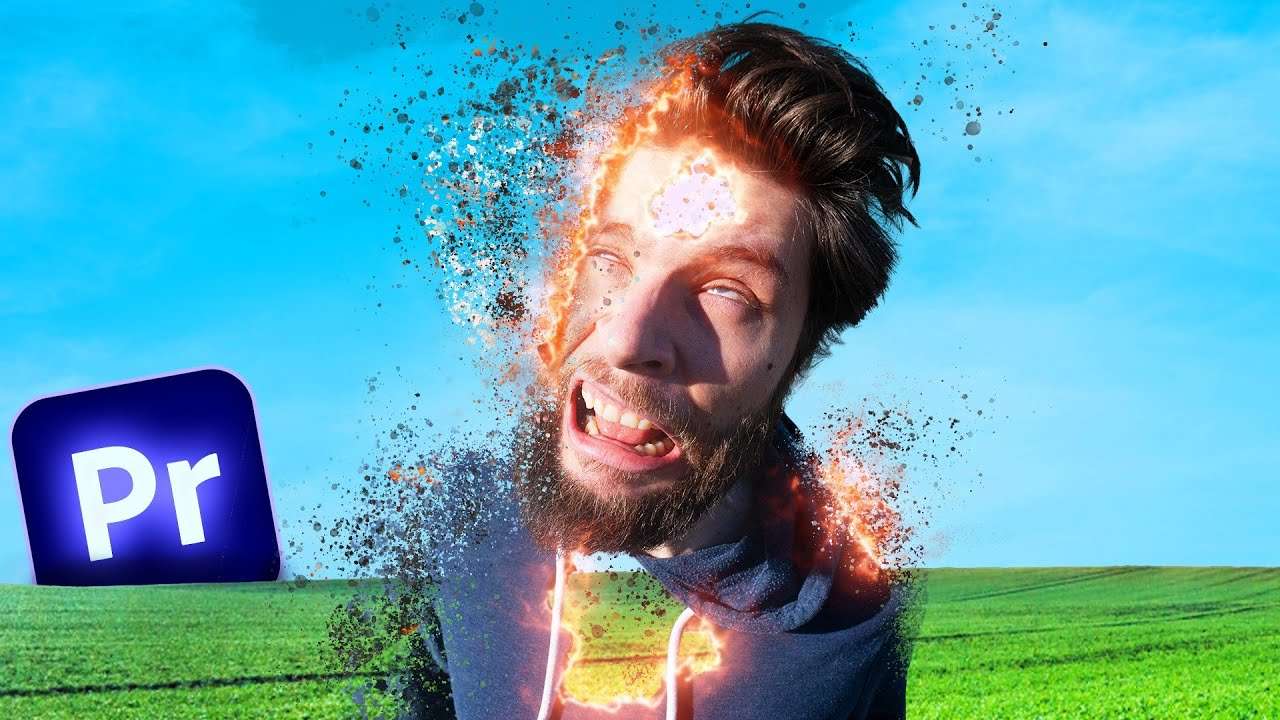
Learn how to create a super unique teleportation effect in this Adobe Premiere Pro tutorial video.
VFX in Premiere Pro?!
It can be difficult to create VFX in Adobe Premiere Pro. That is if you don't know the secrets of how to use the effects effectively. Once you know them, you can create some amazing looking visuals in Adobe Premiere Pro!
Creating an advanced teleport effect in Premiere is actually not that difficult. First you need to film yourself with a green screen behind you. Don't forget to make an empty shot because we want to separate the talent with the background.
Using the track matte
Draw a shape with the ellipse tool and make sure it covers the talent. I animated the scale of the ellipse to make it dissappear.
Drag the track matte effect on your clip and select the track with the graphic layer on it. Check the reverse box and voila. The shape now cuts out the talent.
By using the turbulent displace effect we're going to create a burning effect. In the tutorial above you will learn how to add a nice glow effect to the edge.
Storyblocks
Thanks Storyblocks for the support! Download unlimited assets here.
Jordy Vandeput
Founder of Cinecom · 2.75M+ subscribers on YouTube
Jordy Vandeput is a Belgian filmmaker who has taught practical filmmaking to millions through Cinecom. He breaks professional techniques down into clear, repeatable steps you can use on your very next project.








0 comments