Track Matte Effect like The Last Duel (Premiere Pro Tutorial)
 Jordy Vandeput
51K views
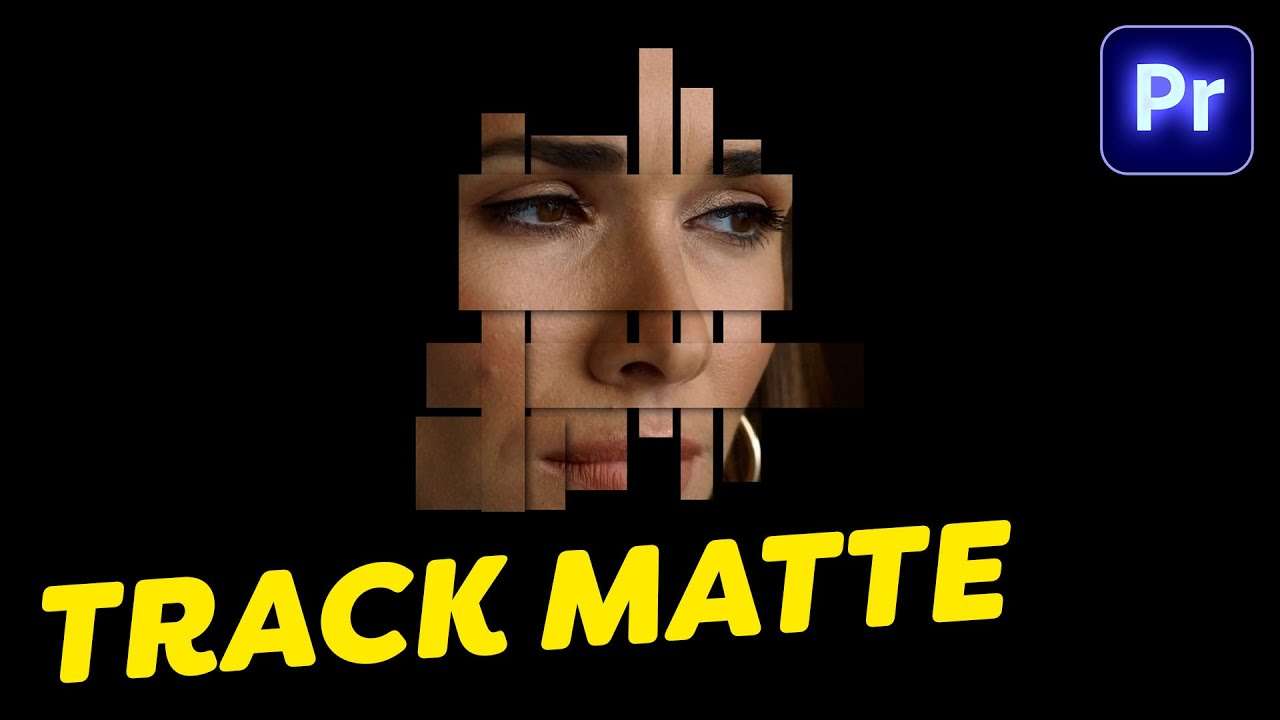
Learn how to create the track matte effect like The Last Duel movie in this beginner tutorial in Adobe Premiere Pro.
Track Matte Effect like The Last Duel
I recently saw the trailer for The Last Duel, a film based on real events that will start in theaters on October 15. The trailer showed a really nice track matte effect that is actually super easy to recreate in Adobe Premiere Pro.
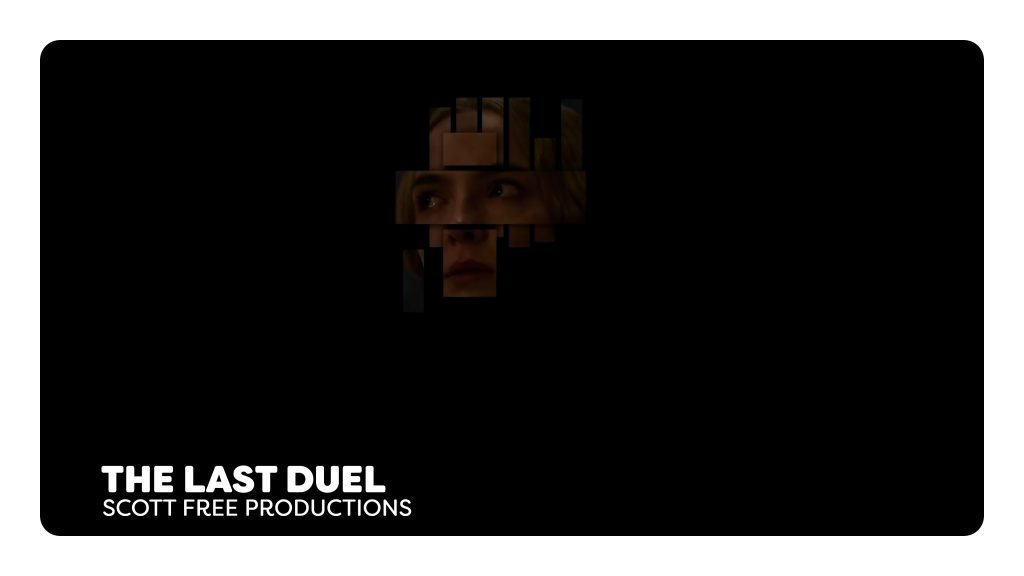
First we need to drop a shot in our timeline. Place it on track number one. Then add a graphics layer, which you can do from the essential graphics panel in the window menu.
Make it a rectangle and make sure that it is black. Animate the path from the effect controls panel so that the rectangle appears and dissappears again overtime. Then use the track matte key effect on your footage and use the rectangle as a matte. You can keep on repeating these steps in order to make more shapes. If you want to add these shapes on top of eachother and want to add depth, use the drop shadow effect on the top layer(s).
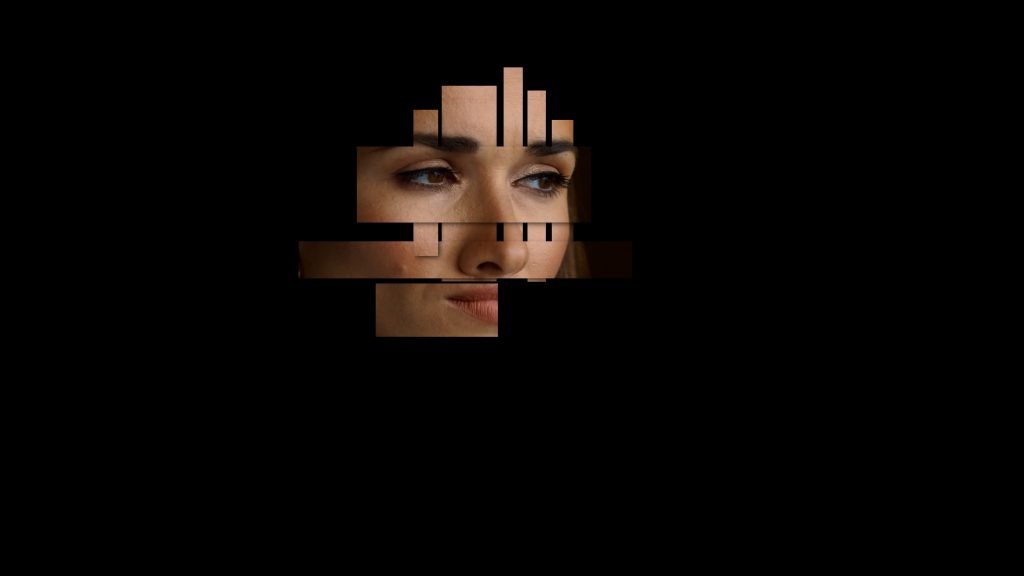
Jordy Vandeput
Founder of Cinecom · 2.75M+ subscribers on YouTube
Jordy Vandeput is a Belgian filmmaker who has taught practical filmmaking to millions through Cinecom. He breaks professional techniques down into clear, repeatable steps you can use on your very next project.








0 comments