Create a TRIPLE EXPOSURE Effect in Adobe Premiere Pro
 Jordy Vandeput
109K views
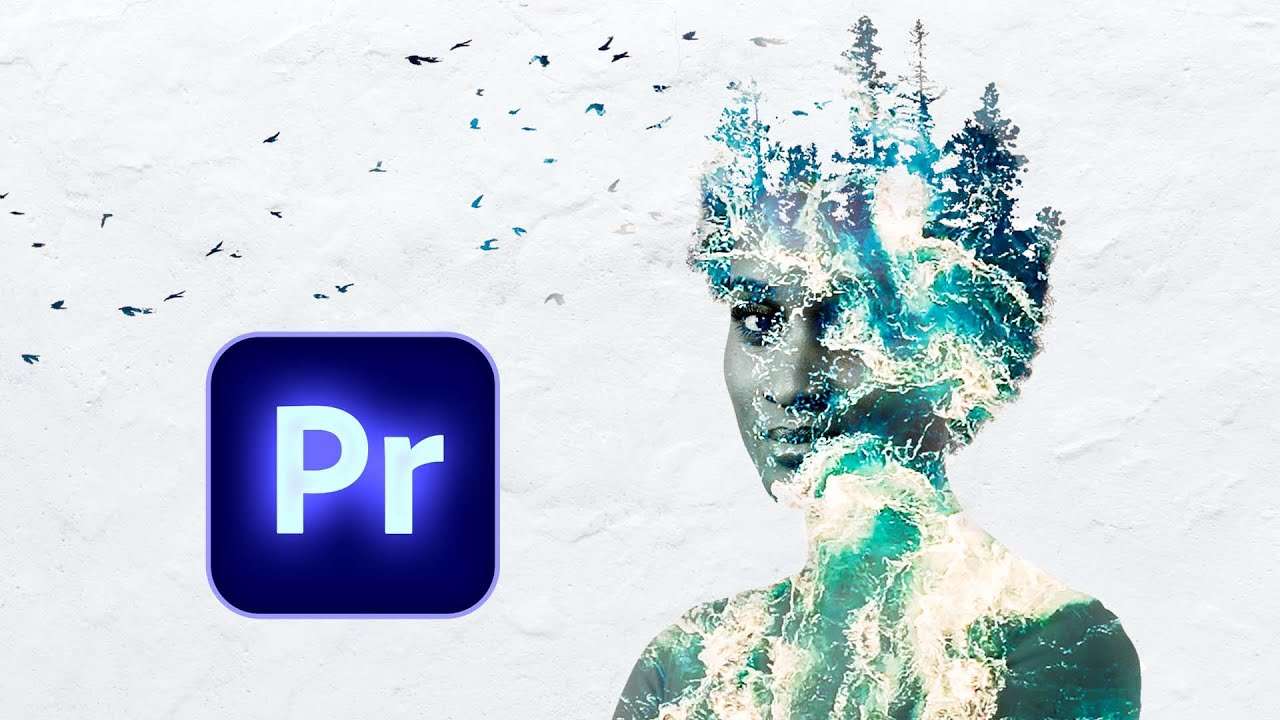
Learn how to blend and composite to create a creative triple exposure effect in this Adobe Premiere Pro tutorial video.
Double Exposure
The double exposure effect has been around for a long time. On Cinecom, our main channel, we once created a tutorial inspired by Taylor Swift about this technique.
Basically you blend 2 clips together and you got yourself a double exposure. It's super easy, but the real creativity lays in the kind of clips you work with. Blending a clip with a certain motion or movement works great as it could enhance your main shot.
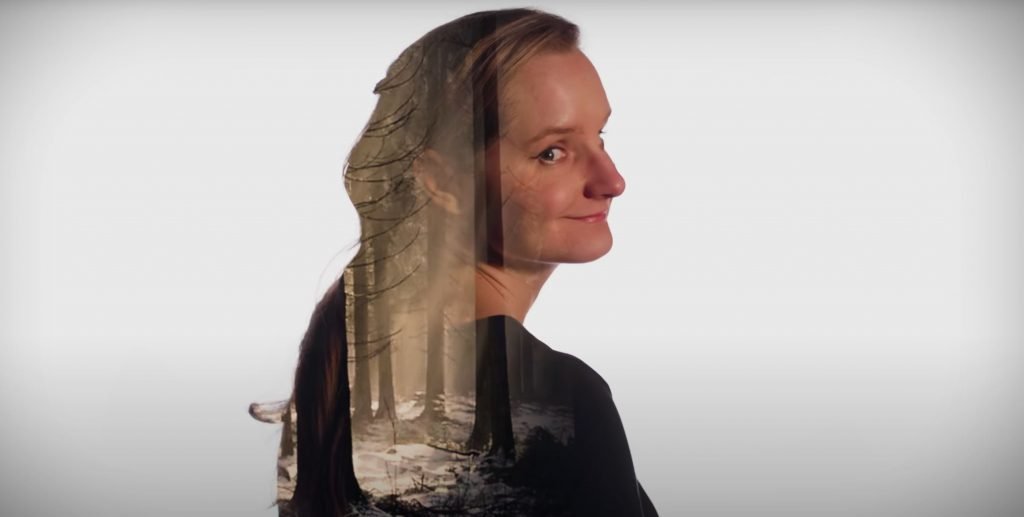
How to Blend Clips
With a triple exposure we simply blend 3 different clips together. But how exactly do we blend? Well, when selecting a clip you head over to the effects controls and under opacity you'll find a dropdown menu.
The options from the dropdown menu are different ways the blending should happen. Some of these options will retain the bright areas and key out the blacks, while others do the opposite.
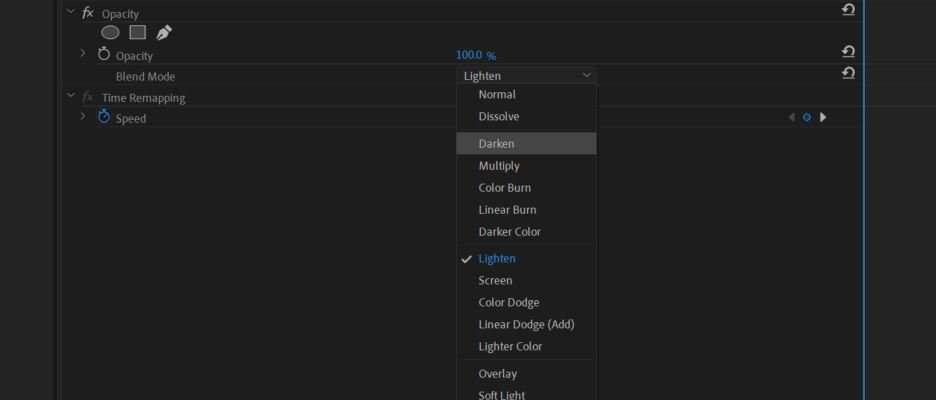
The blending will always happen on the clip below. And it's best to simply scroll through the list to get a better idea of what each options does.
Storyblocks
Big thanks to Storyblocks for their support on this video. We downloaded a few stock clips from their library to help make this tutorial. I can save time and spend more on creativity and quality content.
Jordy Vandeput
Founder of Cinecom · 2.75M+ subscribers on YouTube
Jordy Vandeput is a Belgian filmmaker who has taught practical filmmaking to millions through Cinecom. He breaks professional techniques down into clear, repeatable steps you can use on your very next project.








0 comments