You are EASING Keyframes WRONG! (Premiere Pro)
 Jordy Vandeput
146K views
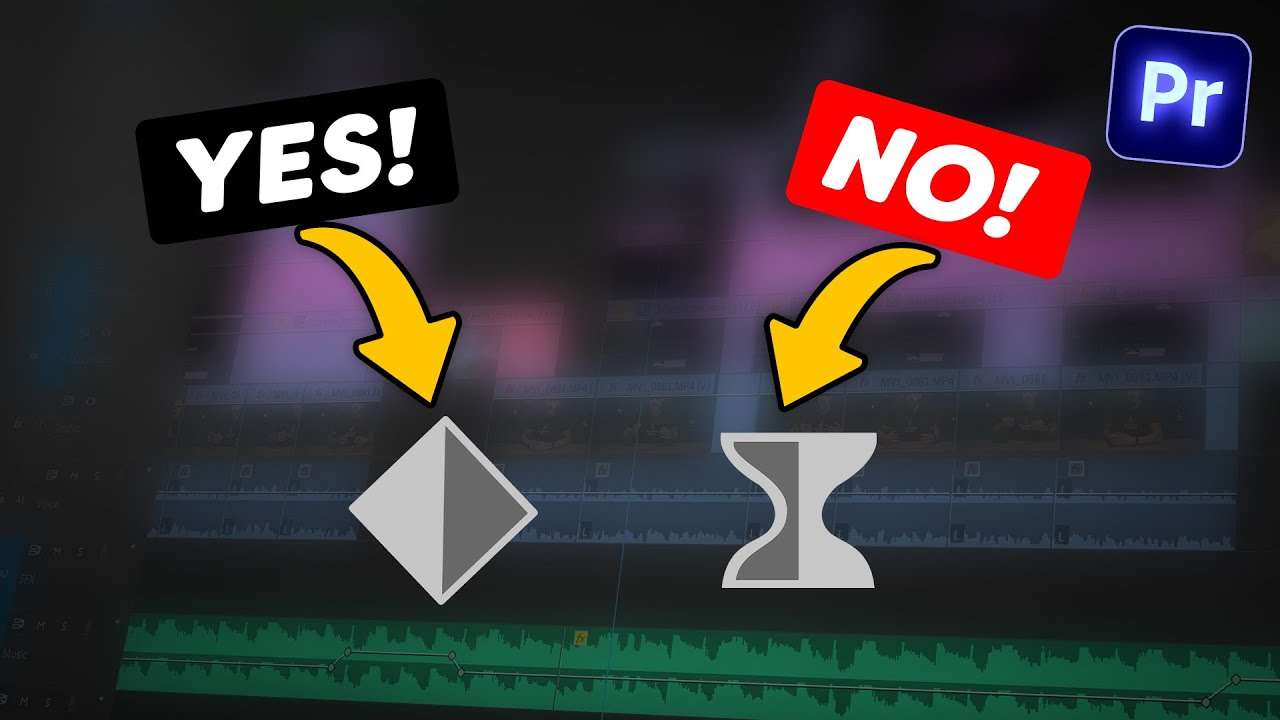
Learn when you need to use the linear, ease-in and ease out keyframes in this Adobe Premiere Pro tutorial video.
No need to ease every keyframe!
Using the ease-in and ease-out keyframe does wonders to your animations. It makes everything look smooth like butter! Which is good, right? Of course! But in some cases you don't want to use those keyframes.
For example, when you want to create an impact inside your animation. As you can see below, the white ball is animated at a consistent speed or in other words, linear. That is because we want the white ball to create an impact on the yellow ball.
Another example is the lower third animation from last Premiere Basics tutorial video. Take a look at this line right here. This line needs to create and impact on the other shapes and that's why it's also animated linear.

Use LINEAR keyframes for off-screen animations!
A mistake that lots of beginner video creators make, is using ease-in and ease-out keyframes everywhere. When you're animation starts off-screen, you want it to come in at a consistent speed. When it almost reaches the end position, it needs to stop smoothly. That why you set the first keyframe to linear and the second one to ease-out.

Learn Adobe Premiere Pro
Thanks for reading! If you want to step up your game as a video-editor you should really check out our Adobe Premiere Pro Advanced Editing Course on Skillshare!
Jordy Vandeput
Founder of Cinecom · 2.75M+ subscribers on YouTube
Jordy Vandeput is a Belgian filmmaker who has taught practical filmmaking to millions through Cinecom. He breaks professional techniques down into clear, repeatable steps you can use on your very next project.








0 comments