How to Create an X-RAY EFFECT (Premiere Pro Tutorial)
 Jordy Vandeput
17K views
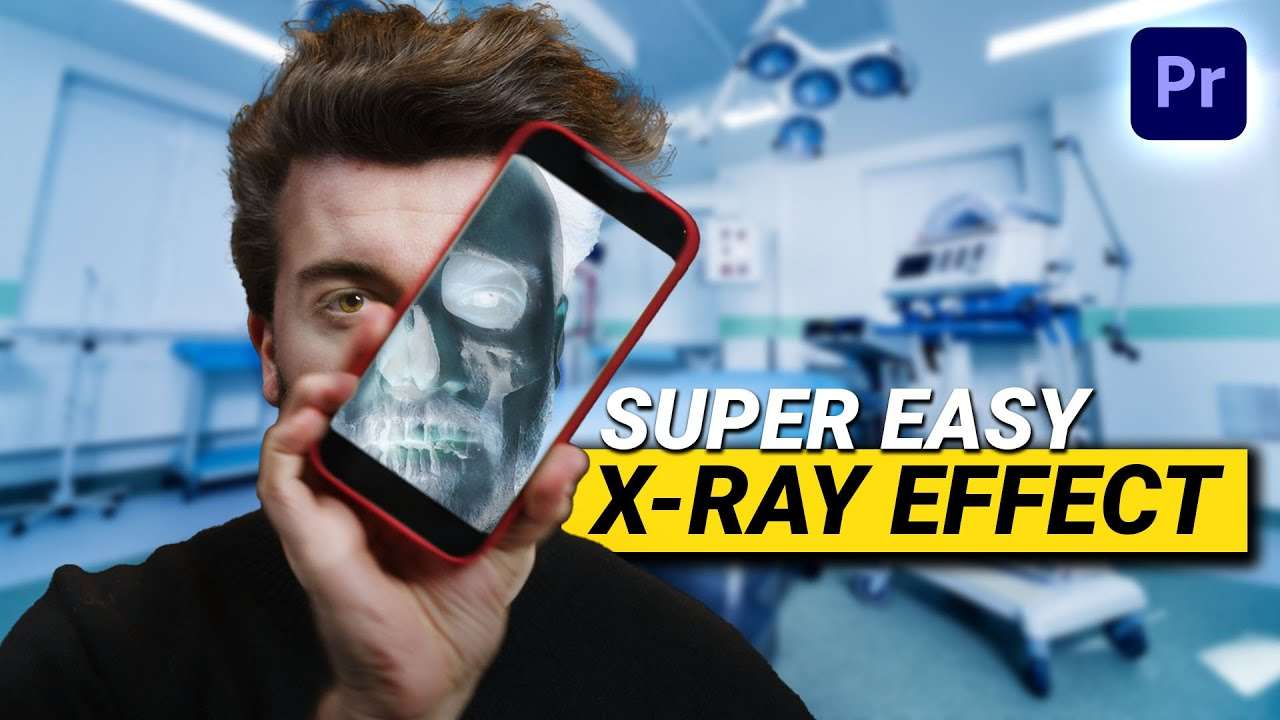
Learn how to turn your phone into an X-Ray device that shows your skeleton in this beginner tutorial in Adobe Premiere Pro.
Creating an X-Ray effect in Adobe Premiere pro
Is it possible to create an X-ray effect in Adobe Premiere Pro? Of course it is! And it's not even that hard. We only need a green screen shot, for instance on a phone, a png image of a skull and of course a bit of creativity.
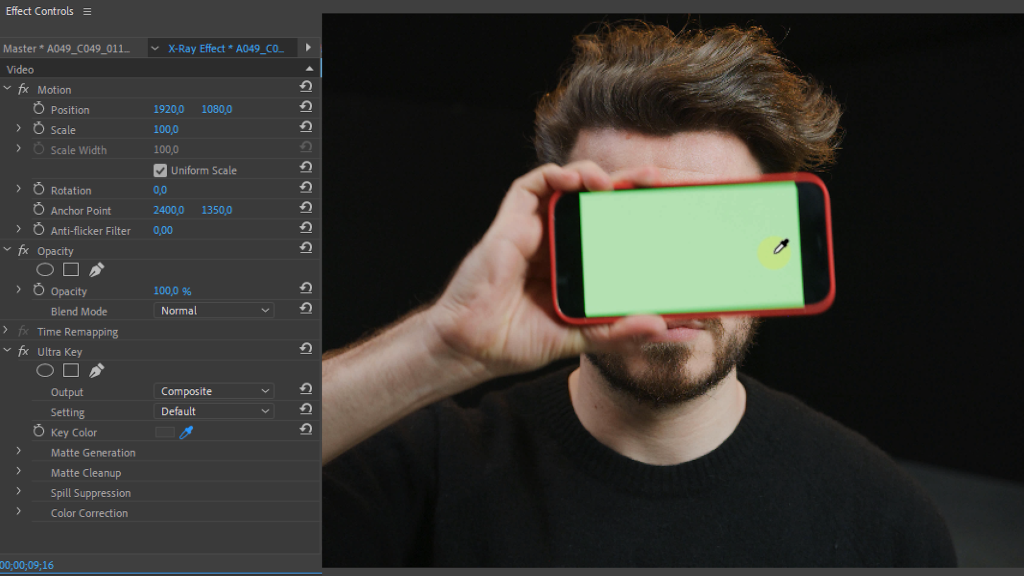
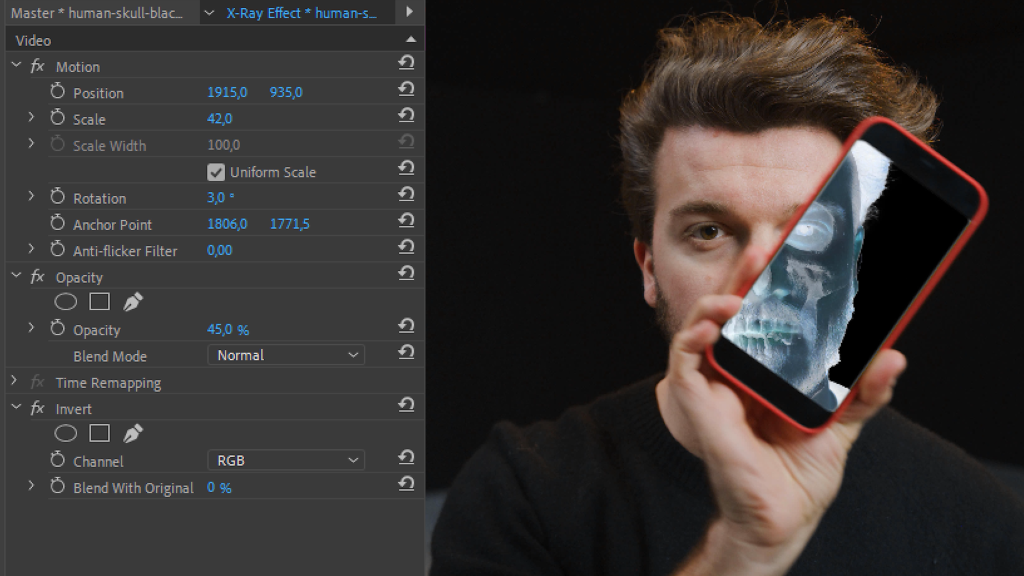
Let's start with green screening our iphone shot, which you can easily do in Premiere Pro. Afterwards we place the skull image underneath that shot and use the invert effect on it. All we need is a clean plate to finish it off and there are multiple ways to do this. You can do it from within Premiere with a mask or you can use Adobe Photoshop. Like we did in the Freeze Frame Introduction tutorial.
Learn more awesome video effects
If you want to make this effect more advanced with a 3D skull that is tracked on your head, you can go ahead and create that in Adobe After Effects. But if you're not familiar with that you can learn it through our Skillshare classes. The first two weeks on Skillshare are completely free so it's the ideal way to get familiar with After Effects and learn ton of awesome video effects, 3D and compositing.
Jordy Vandeput
Founder of Cinecom · 2.75M+ subscribers on YouTube
Jordy Vandeput is a Belgian filmmaker who has taught practical filmmaking to millions through Cinecom. He breaks professional techniques down into clear, repeatable steps you can use on your very next project.








1 comment
Hi Gilles . Awesome tutorials . Please , can I have the image of the skull for me to recreate it cause I didn't find any image on Google .