We recreated the Hellblade II trailer in Unreal Engine 5
 Jordy Vandeput
206K views
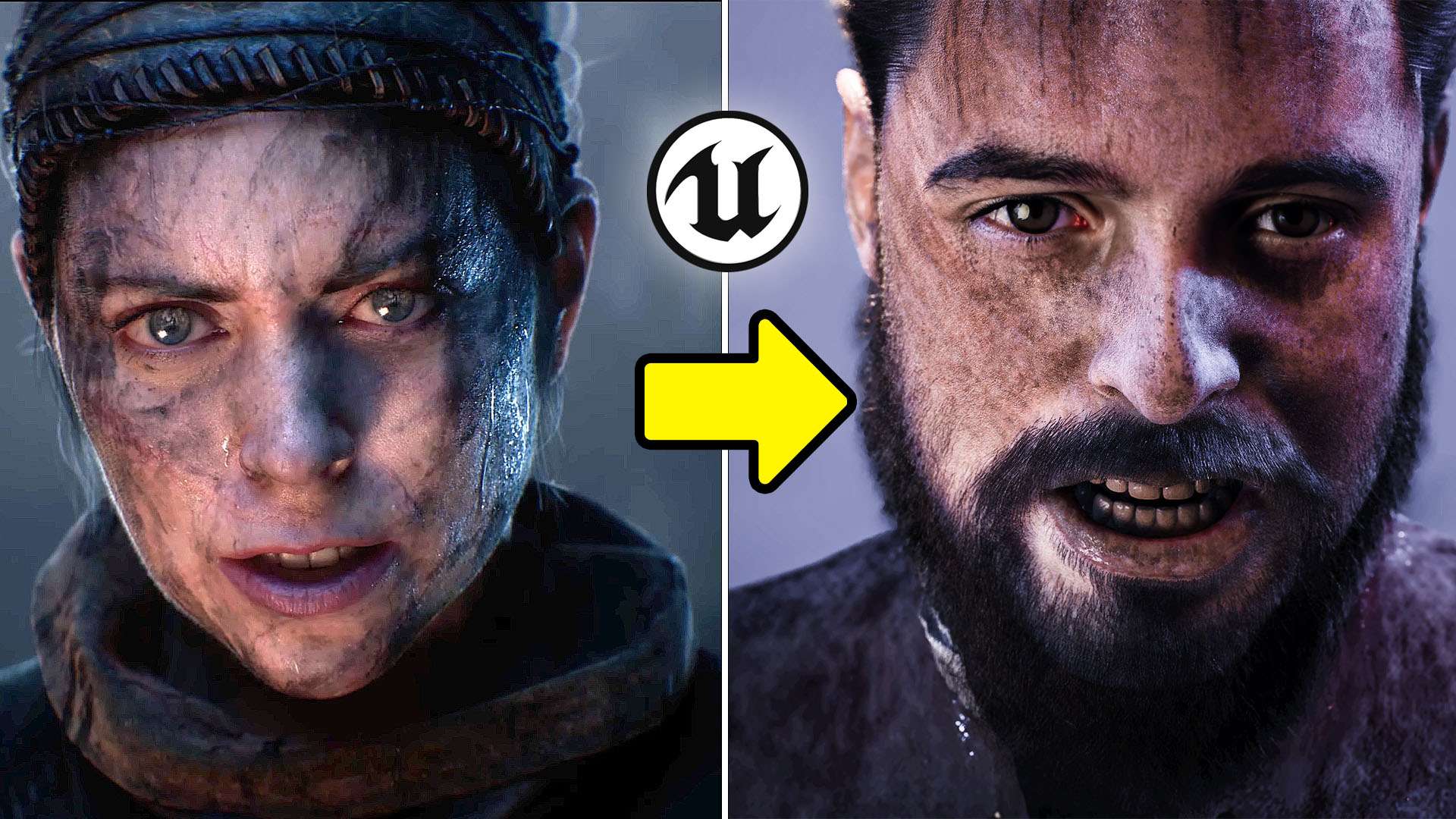
Learn how to mocap and change the look of Unreal Engine 5 Metahumans to recreate the Hellblade II: Senua's Saga demo.
Introduction: Embracing the Power of Unreal Engine 5
The Hellblade 2 demo video, rendered in real-time in Unreal Engine 5, has taken the gaming world by storm. Its stunning visuals are a testament to the democratization of technology. Now, anyone can create high-end animations. You don't need extensive experience in 3D animation or an expensive mocap studio.

The Rokoko Smartsuit: Revolutionizing Motion Capture
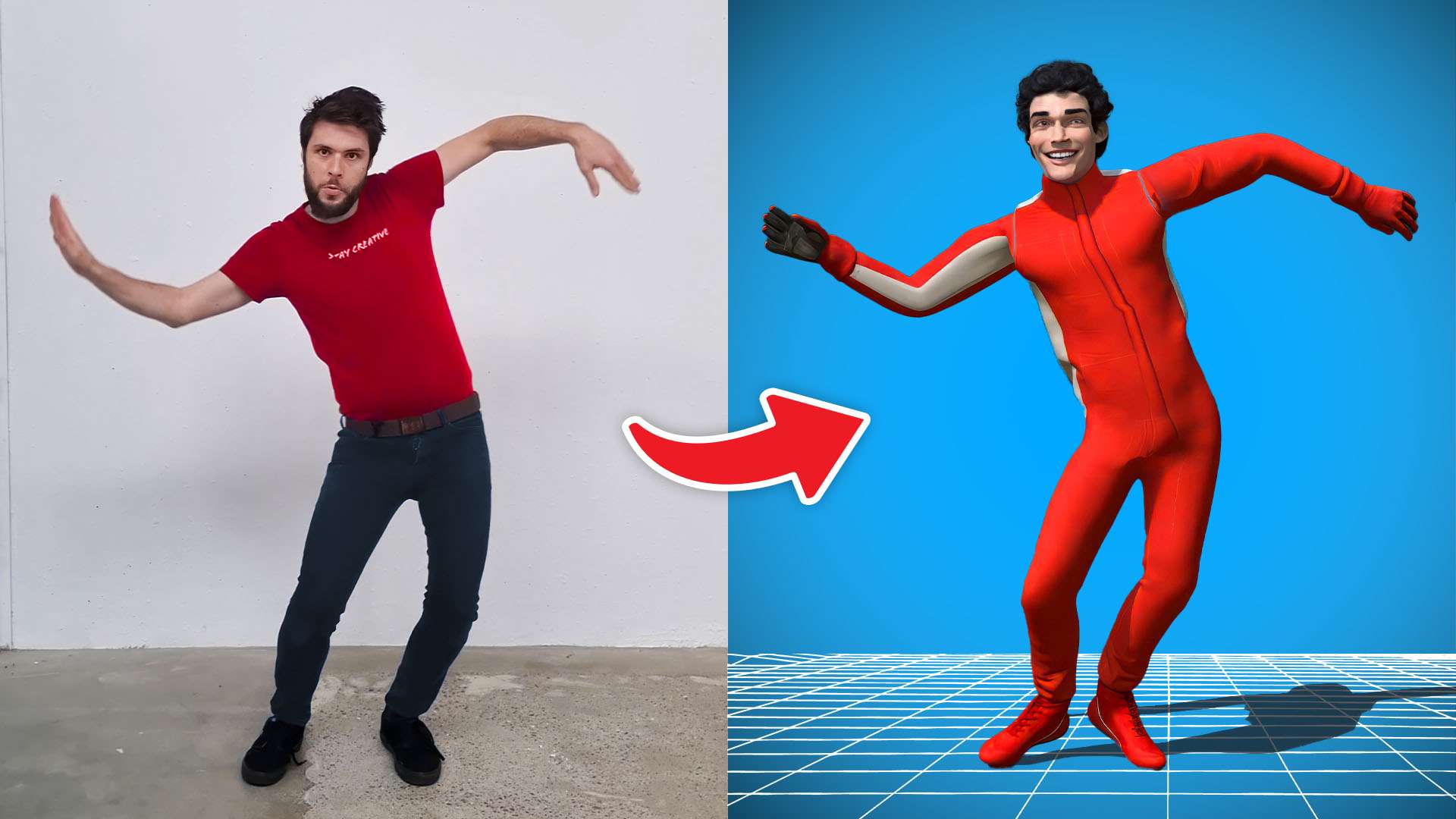
The Rokoko smartsuit is a game-changer in motion capture. This suit, complete with an optional smart glove, offers detailed control. It's powered by a simple power bank and connects wirelessly to the Rokoko studio. Here, users can view, capture, and export the mocap, streamlining the workflow.
Rokoko Apps: Motion Capture on Your Phone
Rokoko also offers a handy app which lets users capture motion with their phone and access a library of mocap animations. For detailed capture, Metahuman's new Animator is a great tool. It works through the Livelink app and complements Rokoko's face motion capture app.

Metahuman: Crafting Realistic Characters
Metahuman is a crucial tool in Unreal Engine for creating high-quality animations. However, characters often look too clean and for a gritty game like Hellblade, you need more realism. That's where Substance Painter and Quixel Mixer come in. These tools let users paint textures onto the Metahuman, adding elements like blood and dirt.
Mocap Integration: Animating Characters
Adding the mocap to the Metahuman involves two steps. First, process the face and body animations separately. Then, capture the body mocap onto a skeleton from Rokoko. This skeleton needs to fit onto the Metahuman's skeleton. After that, bake the animation onto the Metahuman. Use an additive property to alter the skeleton's position and rotation.
Creating the Environment: Building Hellblade's World
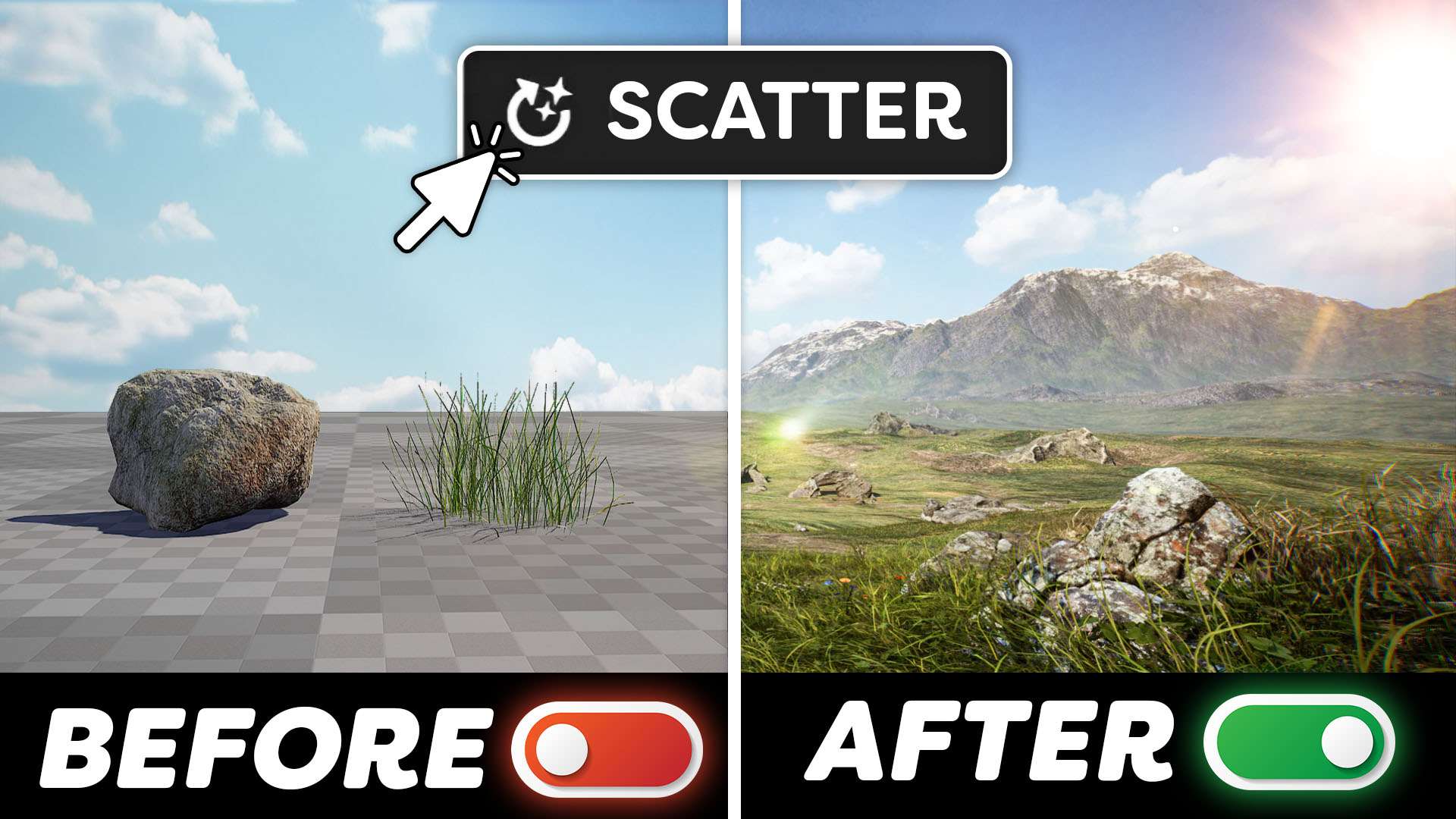
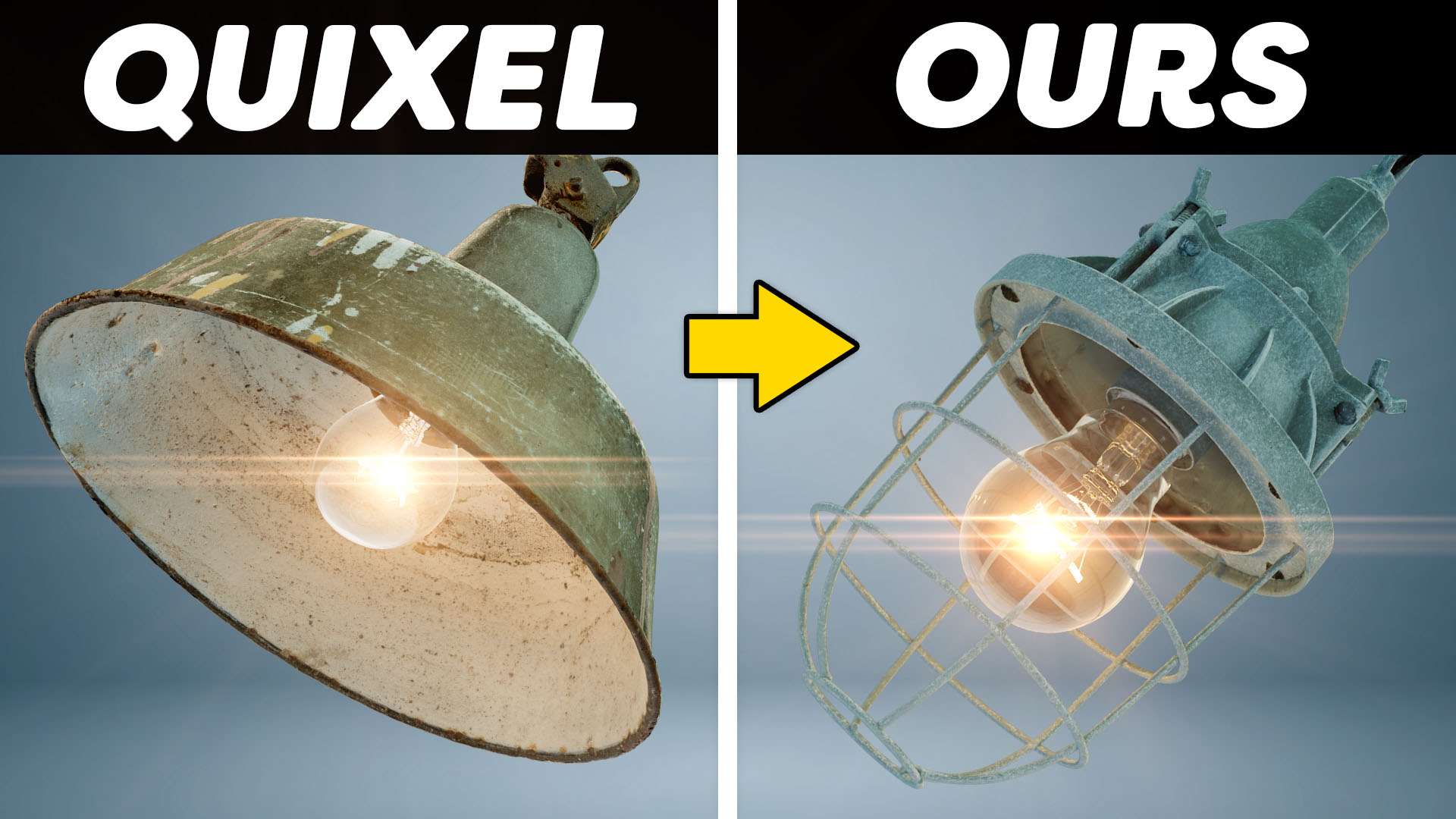
The last step is creating the environment. You can do this by dragging and dropping assets from the Quixel library. For dynamic elements like the night sky, use tools like Ultra Dynamic Sky. This tool lets users create any weather, from northern lights to dust storms.

Conclusion: Looking Ahead in Animation
The result? A stunning recreation of the Hellblade demo. It showcases the power of Unreal Engine 5 and the possibilities it offers to creators. With these democratized tools, anyone can create high-quality animations. This opens up a world of possibilities for the future of game development and animation.
Jordy Vandeput
Founder of Cinecom · 2.75M+ subscribers on YouTube
Jordy Vandeput is a Belgian filmmaker who has taught practical filmmaking to millions through Cinecom. He breaks professional techniques down into clear, repeatable steps you can use on your very next project.





0 comments