Use THIS STUPID Effect to MATCH COLORS in Premiere Pro
 Jordy Vandeput
100K views
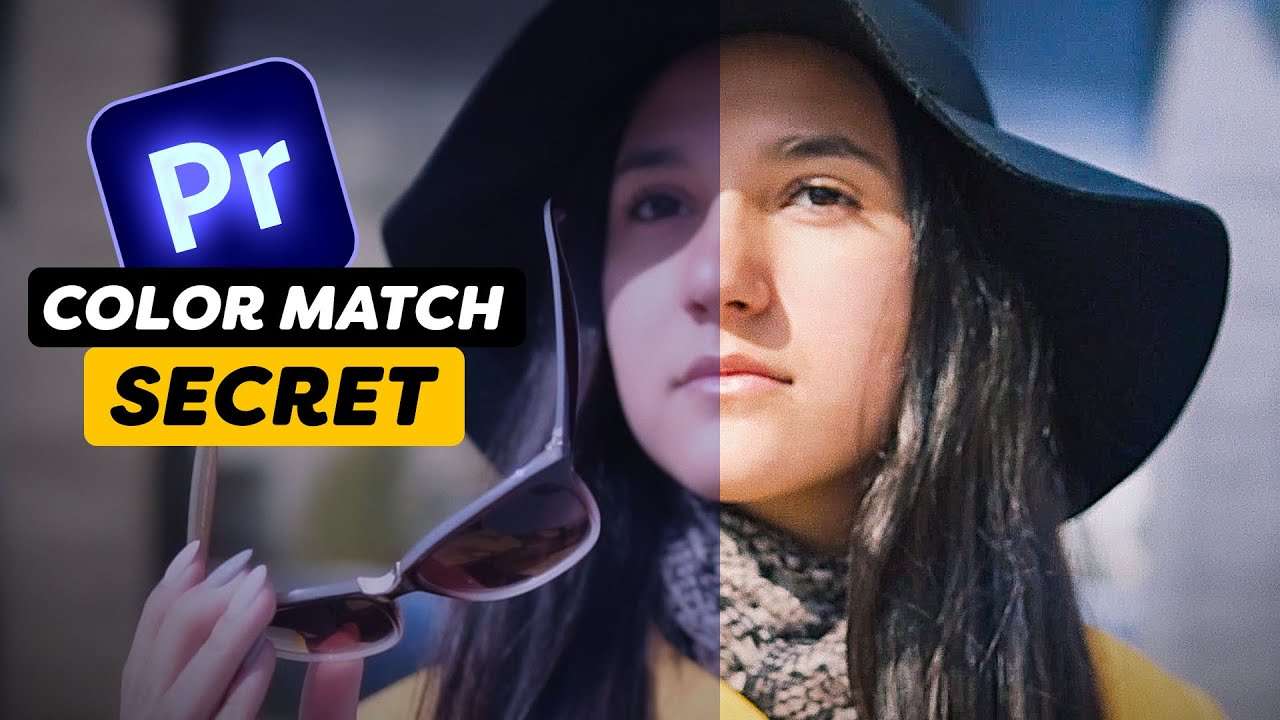
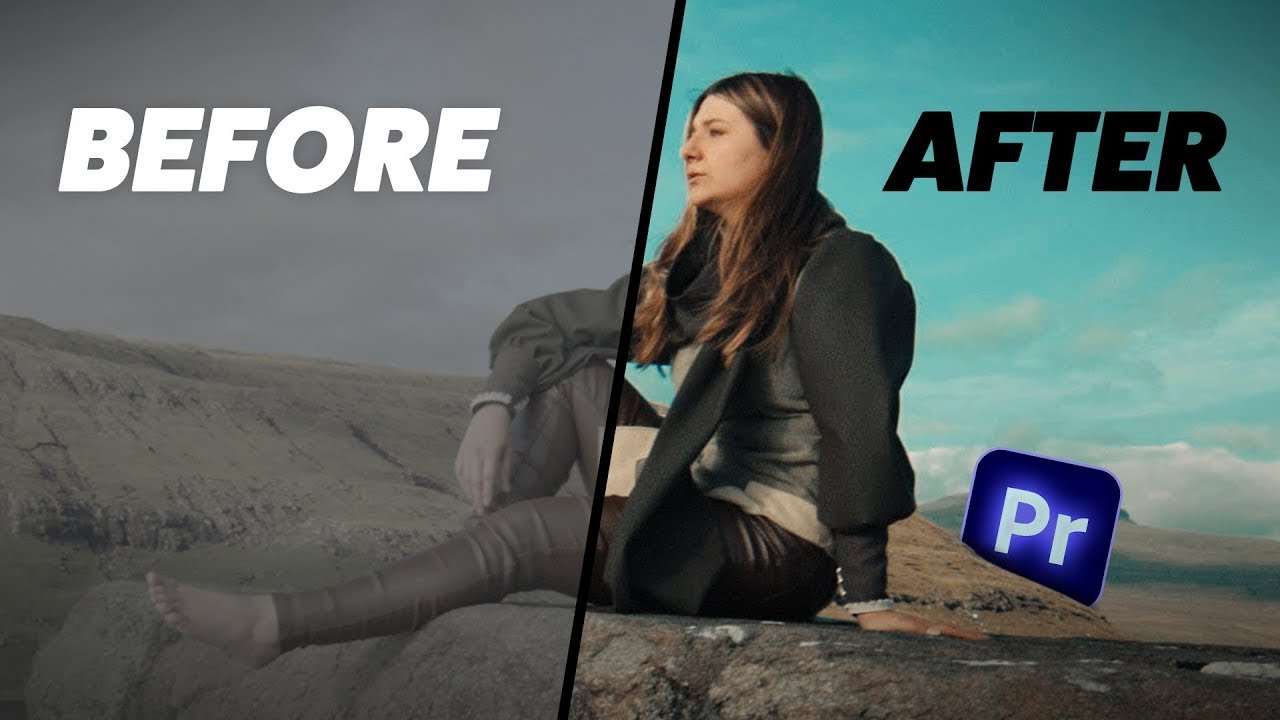
Learn how to perfectly color match two different shots using Lumetri Color in this Adobe Premiere Pro Tutorial video.
Color Matching in Adobe Premiere pro
Learning how to color match multiple videos from different cameras can be quite difficult. Good thing there's a brand new tutorial for your where everything about color matching will be explained! Awesome, right?
Fixing skintones in lumetri
Sometimes the skintones on your video can be off and that is because every camera shoots video at a different color interpretation. This can make your skin look too magenta or too green.
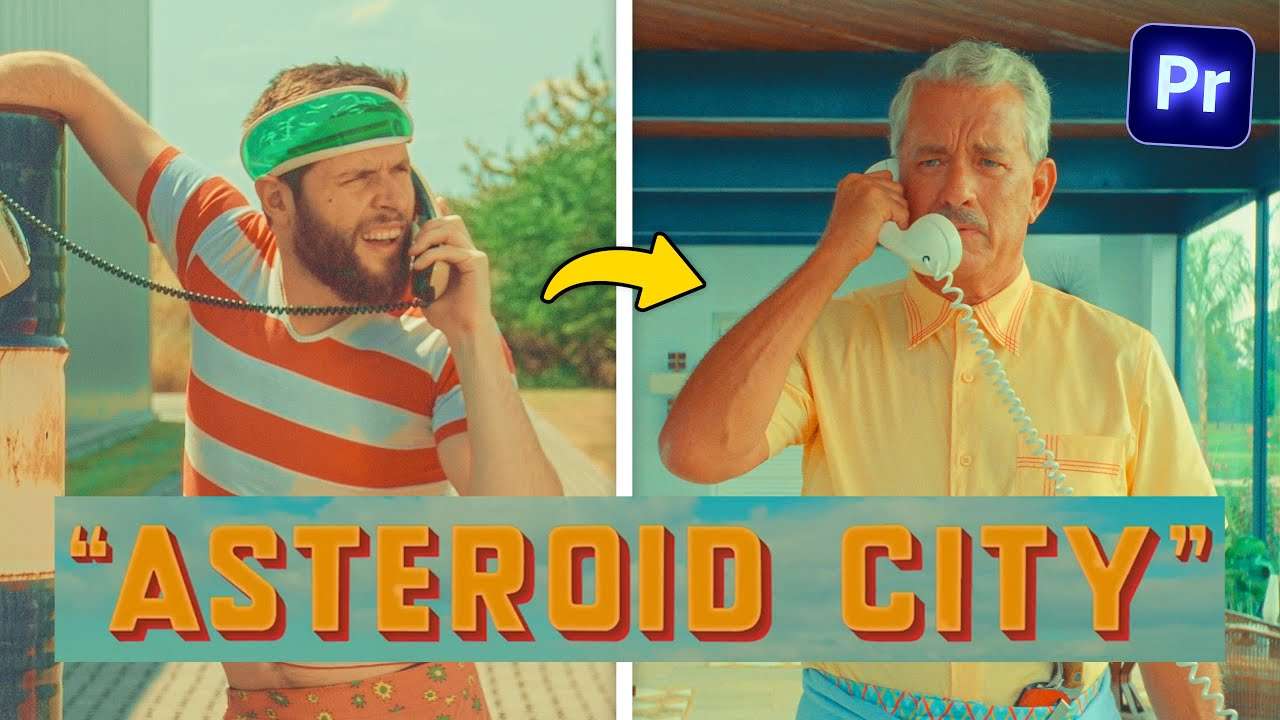
Did you also know that you could apply this technique on every color? For example if you want to change the color of your car, that's also possible from within Premiere! Check out the video above to see how we did this, I bet you don't know that trick!
Cinema grade
Big thanks to CinemaGrade! Check out this color grading plugin and get 20% off!
Jordy Vandeput
Founder of Cinecom · 2.75M+ subscribers on YouTube
Jordy Vandeput is a Belgian filmmaker who has taught practical filmmaking to millions through Cinecom. He breaks professional techniques down into clear, repeatable steps you can use on your very next project.






0 comments