The BEST PLUGIN for Premiere Pro: Studioplugins
 Jordy Vandeput
64K views
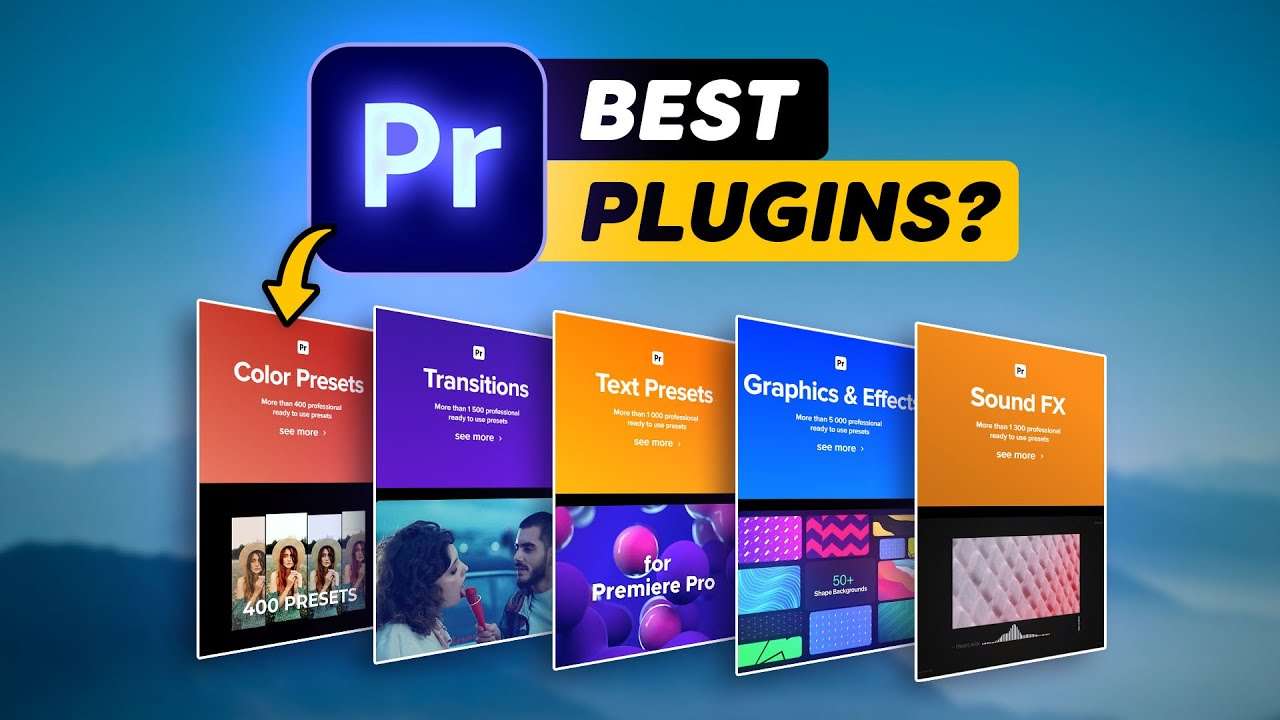
Learn how to use Studioplugins, best plugin for Adobe Premiere Pro in this tutorial video. Create transitions, effects, color grading looks and more.
Adobe Premiere Pro Plugins
Plugins offer additional functionality to Adobe Premiere Pro. And there are many to be found! You can find a limited amount of free plugins, but when looking at the premium section you start to find some very interesting tools!
One of the plugins that we use the most is the Red Giant collection. They offer a bunch of VFX effects, which are super easy to use in Adobe Premiere Pro. Such as glitch effects, old video looks, camera shakes, generators and much more.
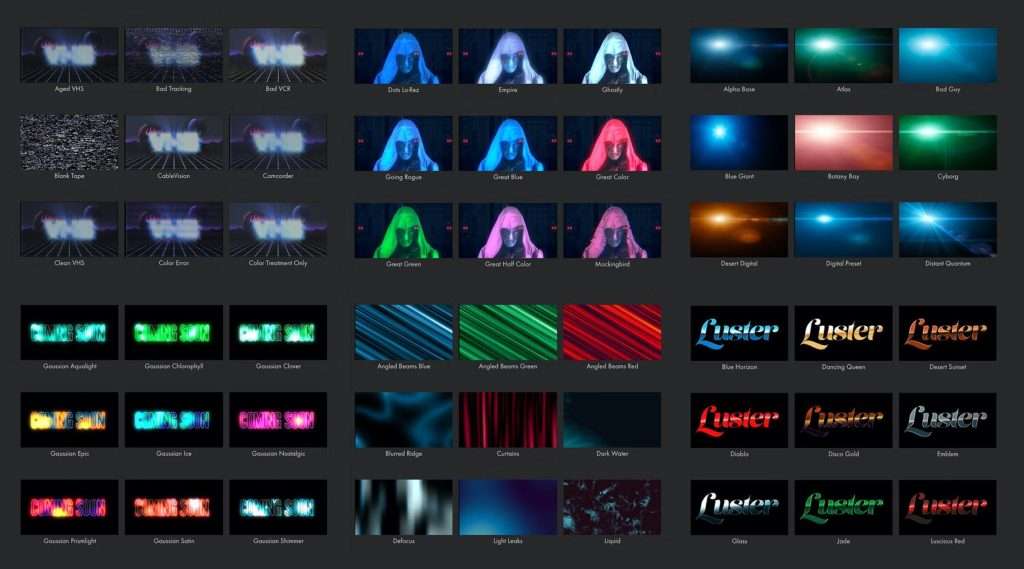
It's great that you can stay in Adobe Premiere Pro and create advanced effects with a press of a button.
Studioplugins for Premiere Pro
Studioplugins is another premium plugin that I can highly recommend. It's basically a HUB that connects many different effects, transitions, looks and more together. But it's much cheaper than similar plugins on the market. For just a little over $5/month you get access to thousands of different effects.
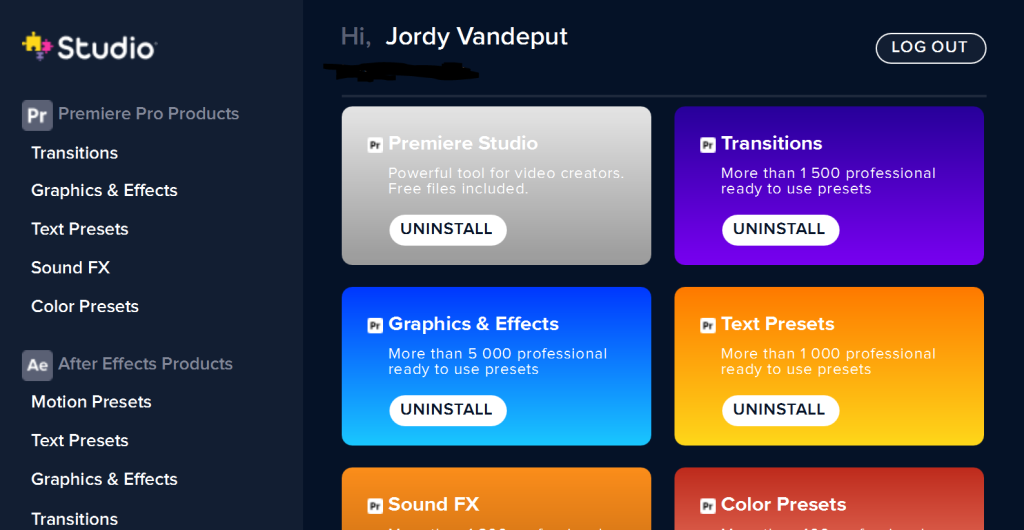
All effects work natively inside Adobe Premiere Pro and come with a nice preview window that plays back super fast. So, searching for a cool transition is very user-friendly!
We've worked together with Studioplugins in the past and have user their presets ever since. They constantly add new packs to the studio, so there's always something fresh to find.
Jordy Vandeput
Founder of Cinecom · 2.75M+ subscribers on YouTube
Jordy Vandeput is a Belgian filmmaker who has taught practical filmmaking to millions through Cinecom. He breaks professional techniques down into clear, repeatable steps you can use on your very next project.






0 comments