Fast Cutting in Premiere Pro
 Jordy Vandeput
11K views
Learn how to quickly add cuts in your timeline with two simple tools and some tricks in this beginner Adobe Premiere Pro tutorial.
How to cut fast in premiere pro?
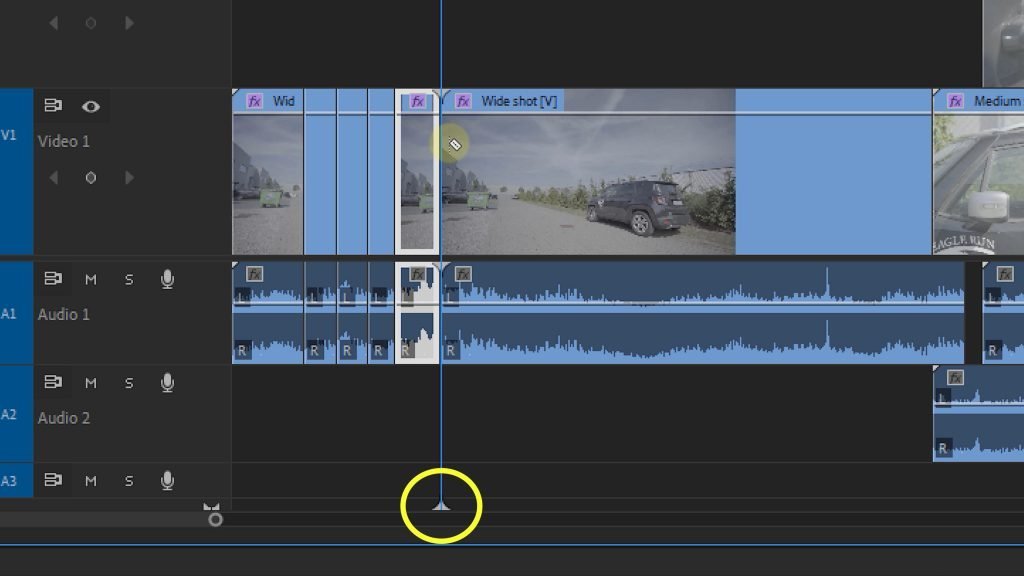
Well it's super simple to make a lot of cuts really fast in Adobe Premiere Pro, the toolbar has this tool called the Razor Tool (C on your keyboard). And this allows you to cut wherever you cut in your timeline. If you press S (or enable snapping in the timeline) you will be able to make a cut that is snapped to your playhead, which allows you to cut really fast in your timeline.
Another way to cut your video or audio clips is by using the Add Edit shortkey (CTRL + K on your keyboard). This will allow you to add a cut without clicking with your mouse. It applies a cut wherever your playhead is located.
Cutting on multiple tracks
With both the Razor Tool and Add Edit method it is possible to cut multiple clips that are above one another in different tracks. By holding the shift key you will see the line of your cut going through all of the tracks. And that's a great way to edit your videos super fast.
If you want to learn even more tools to edit faster, check out our video about the roll edit, ripple edit and rate stretch tool.
Skillshare classes
If you want to learn even more about video editing, film making, color grading or even visual effects then make sure to check out our Skillshare classes. You'll get two months of free access to our classes and thousands of others so definitely a must have for beginner filmmakers!
Jordy Vandeput
Founder of Cinecom · 2.75M+ subscribers on YouTube
Jordy Vandeput is a Belgian filmmaker who has taught practical filmmaking to millions through Cinecom. He breaks professional techniques down into clear, repeatable steps you can use on your very next project.







0 comments