 Partner deal
Odin Pro
Bundle buyersonly
Creator & Lifetime Plan
- Off
- −15%
- You save
- $64.35
Nine Cinecom video packs for Adobe Premiere Pro in one bundle: 35 title and graphics templates, 57 transitions and 19 effect presets. Install the templates in the Essential Graphics panel and change the text and colours, or drag a transition or preset onto your timeline.
9 video packs · 1 partner deal
FFX · 2 files
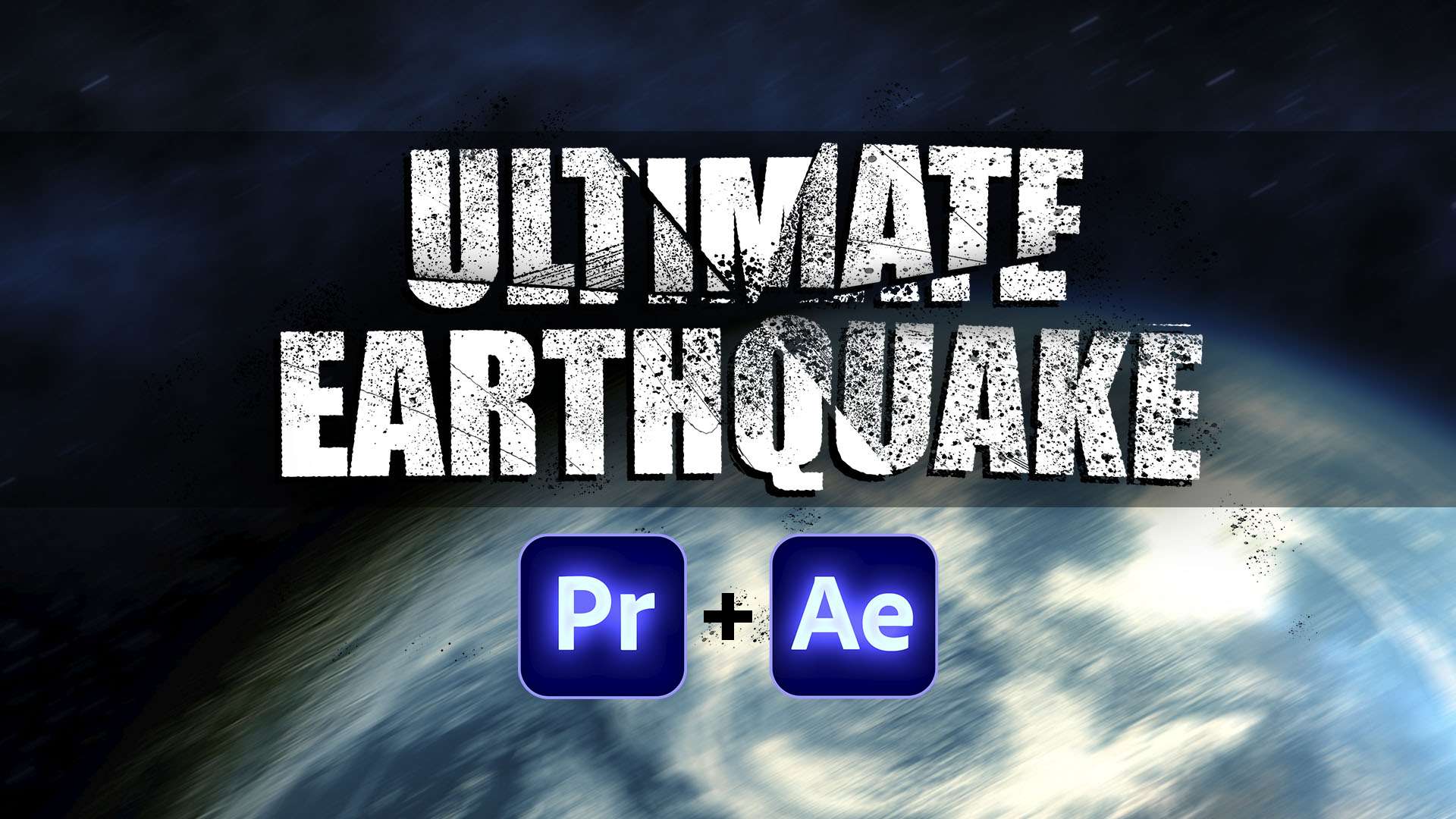
Simulate an earthquake effect or add heavy camera shake to your videos. This preset pack comes with 6 earthquake effects for Premiere Pro & After Effects which you can combine to create your own unique style!
Partner deal
Odin Pro
Bundle buyersThe Premiere Pro Ultimate Pack bundles nine of Cinecom's packs for Adobe Premiere Pro: motion graphics templates for titles, lower thirds and creator graphics, three sets of transitions, and presets for glitches, earthquakes and handheld camera movement. Instead of building titles and transitions from scratch, you drag them in and adjust them in Premiere Pro's own panels.
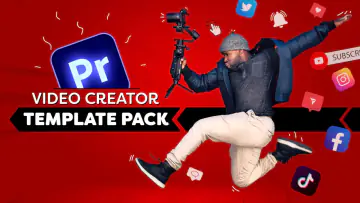
Video Creator Template Pack: 15 motion graphics templates (MOGRT) in 4K for video creators. You set the colours, font, photo, name and logo, and pick the animation. They include social media handles, a typing comment, a highlighted comment from your channel, a custom search query, a logo animation and a template for short-form video on TikTok and YouTube Shorts.
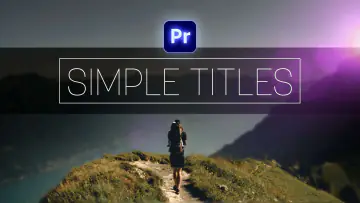
Simple Titles: 10 animated titles in a modern style, with font and colour controls.
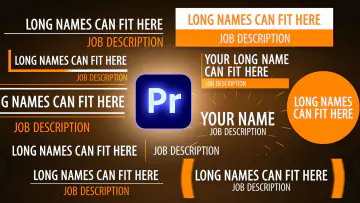
Simple Lower Thirds: 10 pre-animated lower thirds in a simple, elegant design, in 1080p and 4K versions. You change the text and the colour of every element.
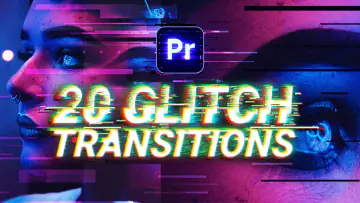
20 Glitch Transitions: glitch and distortion transitions, from RGB splits and noise to flickering, as drag-and-drop presets. Put one on an adjustment layer over your cut and the animation follows the length of the layer.
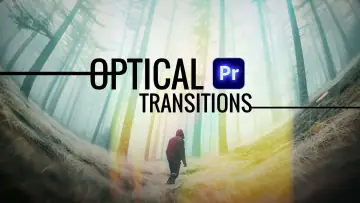
7 Optical Transitions: a lens pull, a zoom, a swipe, a sun flare, a sphere zoom, a rotation and a quick tilt. Each comes as an A and a B effect, one for each clip.
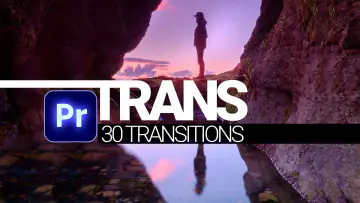
TRANS: 30 transitions in one Premiere Pro project, from simple swipes to optical and glitch transitions, with different speeds. Import the project and drag a transition over a cut.
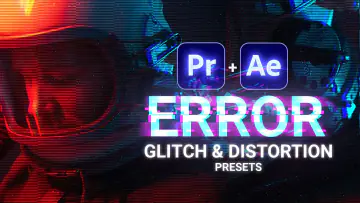
ERROR: 5 glitch and distortion presets for Premiere Pro and After Effects: Horizontal Pull (a bad TV), The Shaker (a hard video shake), Time Glitch (time reverse and ghosting), Total Chaos (extreme zooms, colour shifts and inverts) and Block Distortion (a bad connection or encoding).
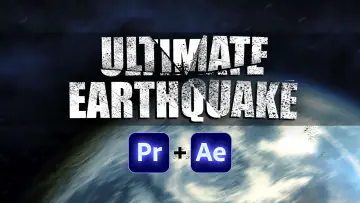
ULTIMATE EARTHQUAKE: 6 presets for Premiere Pro and After Effects. Pick a gentle, pulsating or heavy shake, then combine it with a lighting, zoom or rotation shake to build your own earthquake.
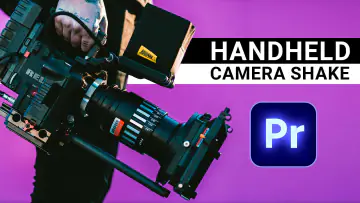
Real Handheld Camera Movement: 8 presets made from real handheld camera shots, for four focal lengths (wide, normal, tele and super tele), each with a normal and a heavy motion. They use Premiere Pro's Transform effect, so you can switch motion blur on or off, and a long version covers clips of up to 10 minutes.
Brand a YouTube video with your own name, logo, social handles and colours.
Introduce people and places with lower thirds in your colours and titles in your own font and colours.
Cut between shots with glitch, optical and swipe transitions instead of keyframing them yourself.
Add a glitch, an earthquake or a handheld camera feel to a shot in one drag.
YouTubers, content creators and video editors who edit in Premiere Pro and want ready-made titles, transitions and effects they can adjust in seconds. Each pack's page explains how to install it.
Adobe Premiere Pro. The templates are MOGRT files that you install through the Essential Graphics panel; you do not import them like footage. The Simple Lower Thirds also need Adobe After Effects CC 2017 or later installed, though you don't need to open it. ERROR and ULTIMATE EARTHQUAKE include an After Effects version as well. The presets and transitions use effects from recent versions of Premiere Pro, so update Premiere Pro if a preset does not show up after importing.
★★★★★Excellent brilliant content thanks
★★☆☆☆The Templates are good but 3 of them wont work and I cant access Cinecoms server to ask help
 Your instructor
Jordy Vandeput
Founder of Cinecom · 2.75M+ subscribers on YouTube
Jordy Vandeput is a Belgian filmmaker who has taught practical filmmaking to millions through Cinecom. He breaks professional techniques down into clear, repeatable steps you can use on your very next project.